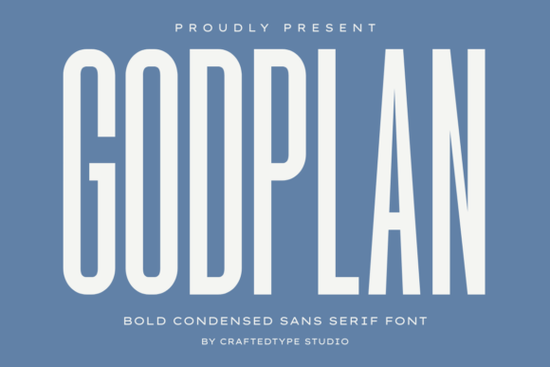
If you need a bold condensed sans serif that commands attention without taking up too much horizontal space, the Godplan Font is worth a serious look. Its tall, narrow letters feel solid and architectural perfect for when you want your message to feel both modern and authoritative. Whether you’re designing for apparel, headlines, or social media, this font gives you that sharp, high-impact look in a compact package.
What makes Godplan Font different from other condensed sans serifs?
Most condensed fonts sacrifice weight for width, but Godplan keeps thick strokes across its entire letterform. That means each character stays readable even at small sizes, while the narrow profile lets you fit more text into tight spaces without losing that punchy feel. It’s not just a space-saver it’s a statement maker. The Ballpoint Writing Font offers a more handwritten, casual vibe, while Godplan leans into clean, structural strength.
How can I use Godplan Font for print-on-demand products?
Print-on-demand sellers will find Godplan especially useful for designs that need to pop on fabric or posters. Here are a few ways it works well:
- T-shirts and hoodies – Bold, condensed lettering fits nicely across chest space or down sleeves. It works great for gym apparel, motivational phrases, or streetwear logos.
- Motivational posters – The thick strokes hold up well on printed materials, and the tall shape draws the eye downward, making short quotes feel impactful.
- Mugs and accessories – Because it’s narrow, you can fit longer slogans without shrinking the text to illegibility.
If you prefer a stencil-like roughness for your POD designs, consider pairing Godplan with the Battle Army Stencil Font for contrast.
Is Godplan Font suitable for branding and headlines?
Absolutely. Its clean, authoritative presence is ideal for sports branding, cinematic titles, and corporate identity work. The condensed nature means you can stack words vertically in a logo or create tight, modern headlines that feel like they belong on a poster or app interface. It also works well for social media graphics where space is limited but impact is everything. For a more playful alternative, the Modern Limited Font offers a similar condensed structure but with softer curves.
What file formats does Godplan come in?
The font is delivered in both OTF and TTF formats, so it works across design software like Adobe Creative Suite, Canva, Affinity, and Silhouette Studio. It’s also fully PUA encoded meaning you can access all special characters, ligatures, and alternates without any extra steps. This is especially handy for crafters and hobbyists who want to use fancy glyphs in their cutting machine projects.
Where can I find similar fonts to Godplan?
If you like the bold condensed style but want to explore other options, here are a few fonts with a similar feel:
- Check out the Battle Army Stencil Font for a rugged, military-inspired alternative.
- The Ballpoint Writing Font gives you a hand-drawn sans serif that’s still bold but more organic.
- The Modern Limited Font offers a geometric condensed sans with a slightly softer personality.
You can find each of these on Creative Fabrica by searching for them directly: Battle Army Stencil Font, Ballpoint Writing Font, and Modern Limited Font.
Quick checklist before using Godplan Font in your next project
- Verify your software supports PUA encoding – most modern design apps do, but double-check if you use older cutting machine software.
- Test readability at small sizes – Godplan’s thick strokes make it easy to read even at 12pt, but test it in your actual product mockup.
- Pair it with a lighter weight font – use Godplan for headers and a clean sans like Helvetica or Open Sans for body text to avoid visual overload.
- Check kerning in all caps – condensed fonts sometimes need manual spacing adjustments when used in all-capital words.
Whether you’re a POD seller looking for that next best-seller design or a designer wanting a strong headline font, Godplan delivers the authority and clarity you need.
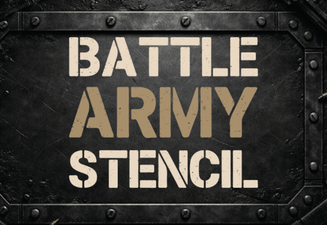 Design Projects with Battle Army Stencil Font
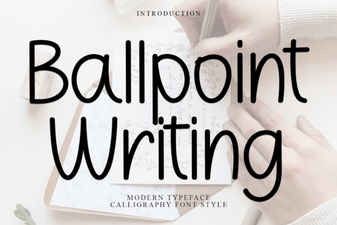 Modern Fonts for Ballpoint Pen Design Projects
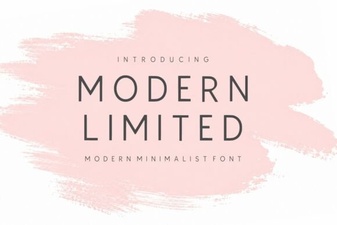 Modern Typeface Designs for Limitless Creativity
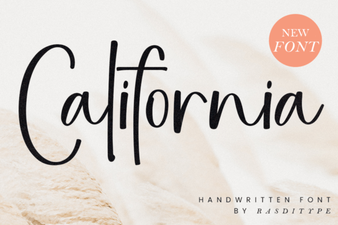 The California Font: a Guide to Design & Style
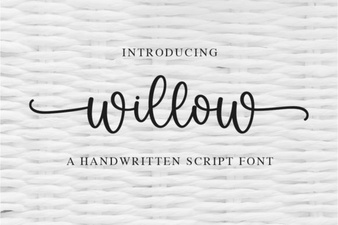 Willow Font: Elegant Scripts for Your Creative Projects
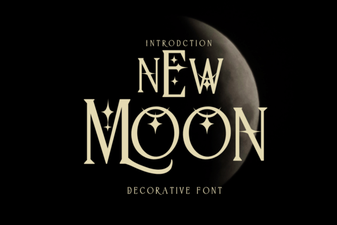 New Moon Font: Creative Ideas & Design Applications